

Help map viewer
Welcome to the help page of the map viewer map.geo.admin.ch!
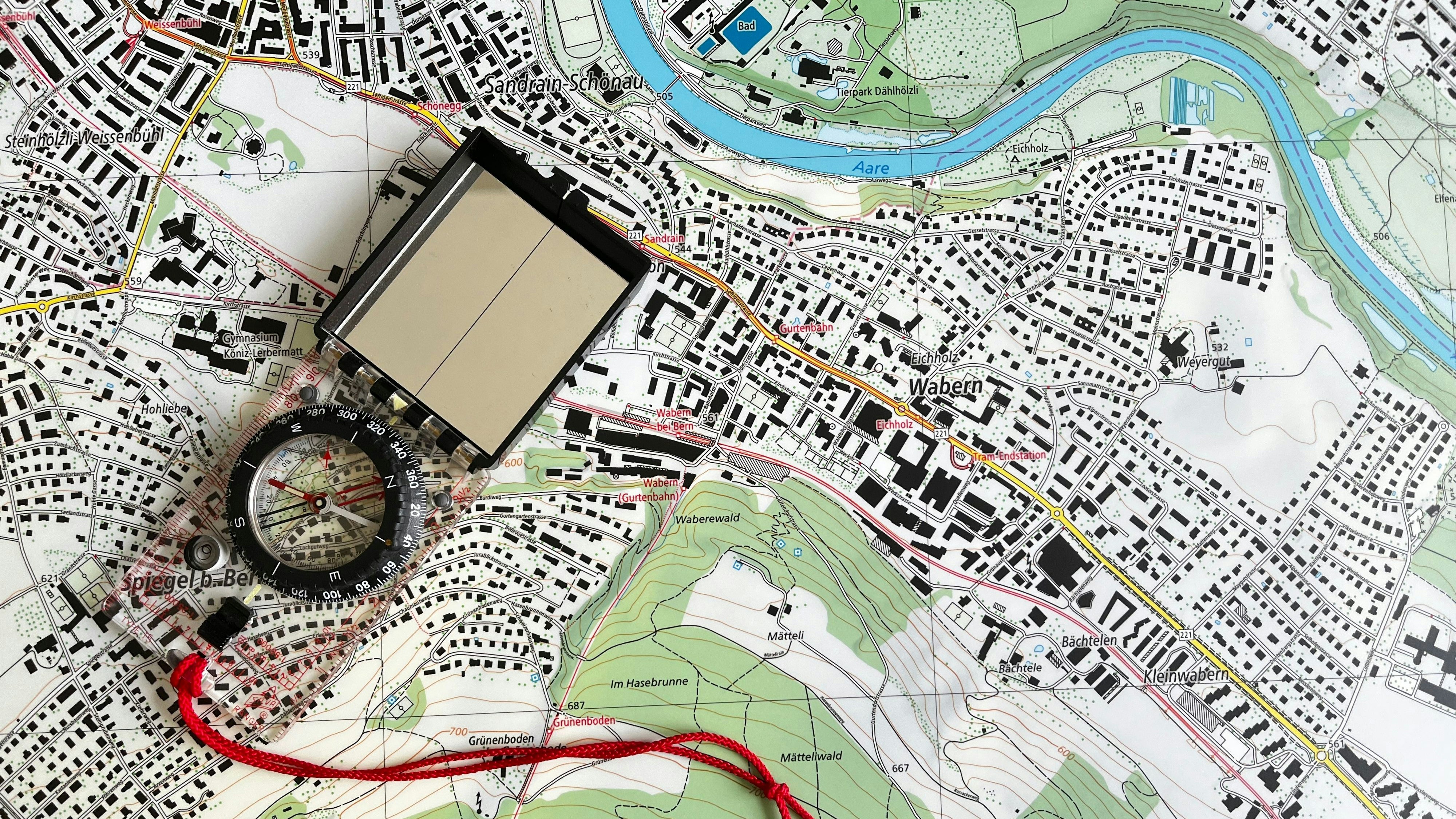
The map viewer from geo.admin.ch is an intuitive application for searching, displaying and using geographical information. It enables the interactive display of maps and superimposed specialised data using a standard web browser. Users can define numerous parameters for this map - for example, the displayed zone, the image size, the type of information displayed or the map background.
The application allows not only the screen display, but also a good quality paper printout. Depending on the settings, it allows access to additional information that is linked to the geographical objects.
On this page you will find instructions on how to navigate through the map viewer and make the best possible use of it.
Do not hesitate to give us feedback on map.geo.admin.ch using the form below. This is important in order to further develop the application to optimise user-friendliness.
What help do you need? - Direct link to the topics. For more information, see content per topic below.
First steps: Basic functions of the map viewer
This section explains the basic functions of map.geo.admin.ch such as navigating, zooming, panning and searching.Back to the main help page
Topics and data records: where / how do I find what?
In this part of the map viewer help you will find information about the thematic content and data collections, the geodata and maps available at map.geo.admin.ch and how they can be found, used, combined and compared.Back to the main help page
Advanced functions: what additional tools are available?
This section describes the extended functionalities of map.geo.admin.ch. These are available in the menu bar at the top left of the application.Back to the main help page
Instructions and explanations concerning the use of datasets and functions
Do you need more information concerning a specific subject? Don’t worry, we have you covered. This section is dedicated to give insight, explanations and updates on the use and functions of certain datasets of map.geo.admin.ch.As well as the other sections of the help site and never more so than here, this section is constantly growing. Do not hesitate to send us your wishes and comments through the feedback form in the main help page.Back to the main help page
First steps: Basic functions of the map viewer
- Change language
- Move the map (panning)
- Change the orientation of the map
- Change zoom / scale
- Select background map
- Search for locations and maps / geodata
- Geolocalisation
- 3D view
- Full screen mode
- Back to the start view of the map viewer
- Position tool / Centre on coordinates / Coordinate display
- Help link
- Report a problem
- More information about geo.admin.ch
Topics and data records: where / how do I find what?
- Directory structure (layertree) and geodata sets / maps
- Change topic
- Loading a data set into the map
- The displayed maps
- Display of legend and additional information
- Changing the order of the data records
- Changing the transparency / opacity of the map
- View the object information of a map (attributes)
- Time travel: the time function
- Remove data records from the map
Advanced functions: what additional tools are available?
- Share - Share / link / save the current map view
- Save or share the current map display
- Integration of the map into a website using iFrame
- Saving/forwarding a single map element
- Understand and adapt URL parameters to personalize of your map
- What changes of the URL parameters have been implemented?
- Overview table of URL parameters - Printing
- Drawing & measuring on the map
- Adding a symbol
- Adding text
- Adding a line or polygon
- Measure
- Share, export and further edit drawings - Advanced tools
- Importing maps and files
- Compare
Instructions and explanations concerning the use of datasets and functions
Index
Give us a feedback
Weitere nützliche Informationen zum Geoportal geo.admin.ch allgemein finden sich auf unserer FAQ-Seite.