

Advanced functions: what additional tools are available?
This section describes the extended functionalities of map.geo.admin.ch. These are available in the menu bar at the top left of the application.
Back to the main help page
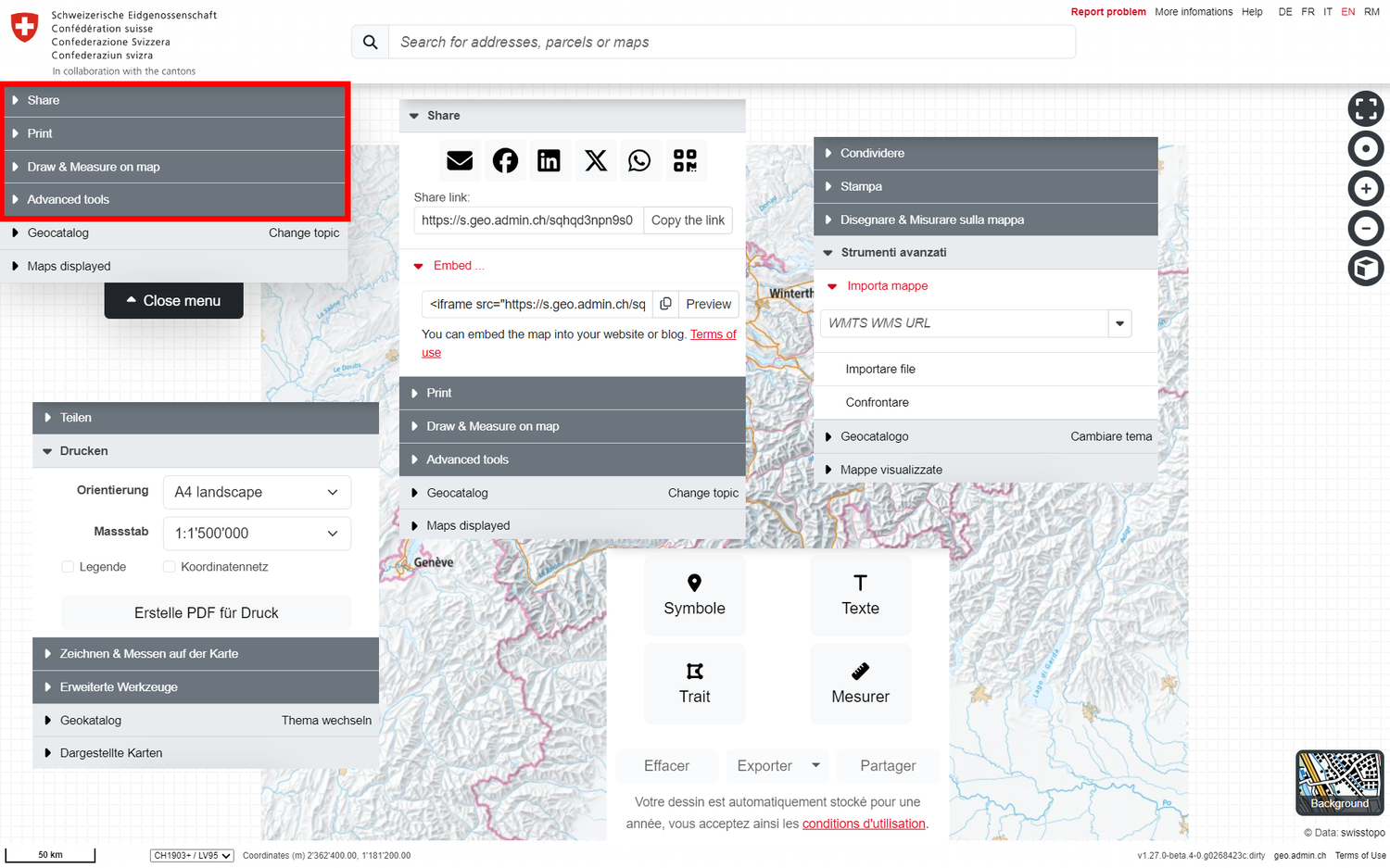

Share - Share / link / save the current map view
The top tool "Share" in the menu allows you to share all geodata and settings that you have loaded and made on the map viewer in various ways.Back to the main help page

Printing
The PDF print function, the second tool at the top left of the menu, allows you to output true-to-scale sections of the current map view as high-quality PDF files. These files can be saved locally or printed out.Back to the main help page

Drawing & measuring on the map
If you open this third tab at the top left of the menu, the map viewer switches to "Draw & Measure" mode and the various tools appear at the top left, the use of which is explained below.Back to the main help page

Import and compare maps
The fourth function menu item contains the following useful advanced toolsBack to the main help page